Large files
Long videos, raw photos, forgotten downloads. Set a minimum size and see them sorted by type, biggest first.
- Videos
- Photos
- Audio
- APK files
- Other

18 tools Storage Cleaner for Android
ClearMeadow finds junk, big files, old screenshots, unused apps and look-alike photos. You see every result before anything is deleted.

Phone Cleaner
You tick, it clears
Your files
Never removed without consent
Where the space went
Long videos, raw photos, forgotten downloads. Set a minimum size and see them sorted by type, biggest first.

Receipts, maps, memes from last year. All in one grid, cleared in a few taps.

Ten takes of the same sunset. Keep the best one and let the rest go.

Sizes and last-used dates side by side, so uninstalling is an easy call.

APK files stay behind after an app is installed. They are rarely needed again.
Take the tour
Pick a part of the app. The screenshots come straight from the ClearMeadow store listing.
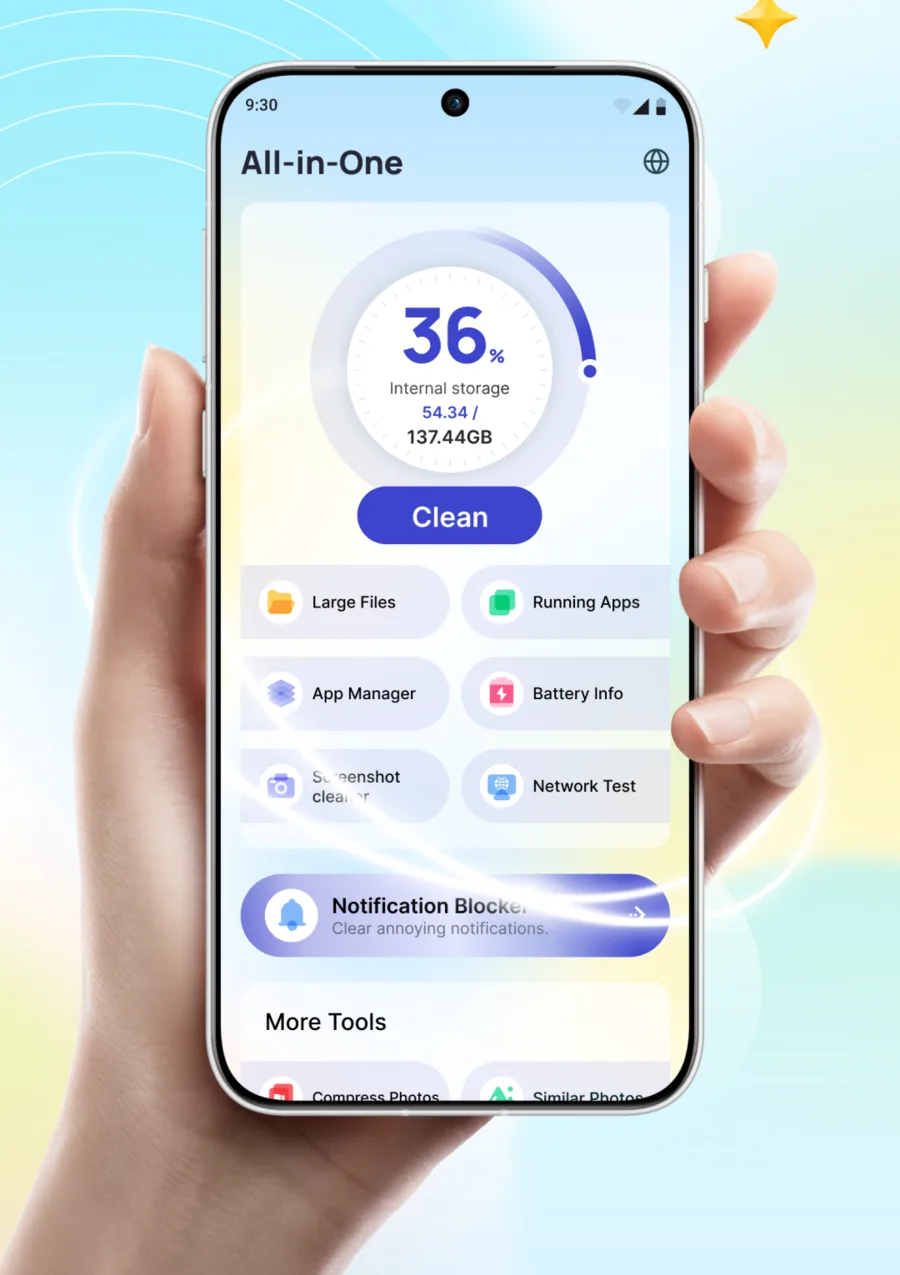
The home screen opens on a storage ring that shows how full your phone is. Six shortcuts sit right below it, so the tool you need is one tap away.
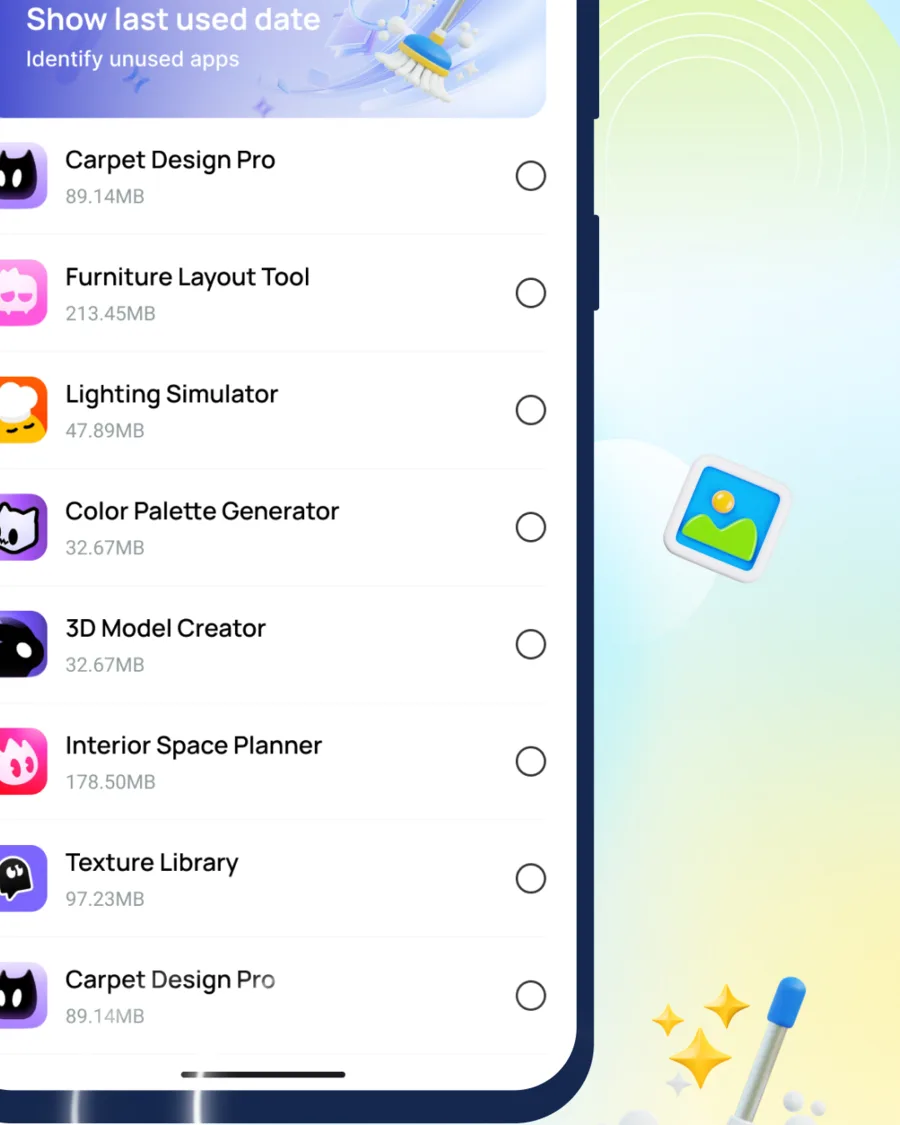
App Manager lists installed apps with their size. Turn on usage access and it also shows when you last opened each one, so the forgotten ones are easy to spot.
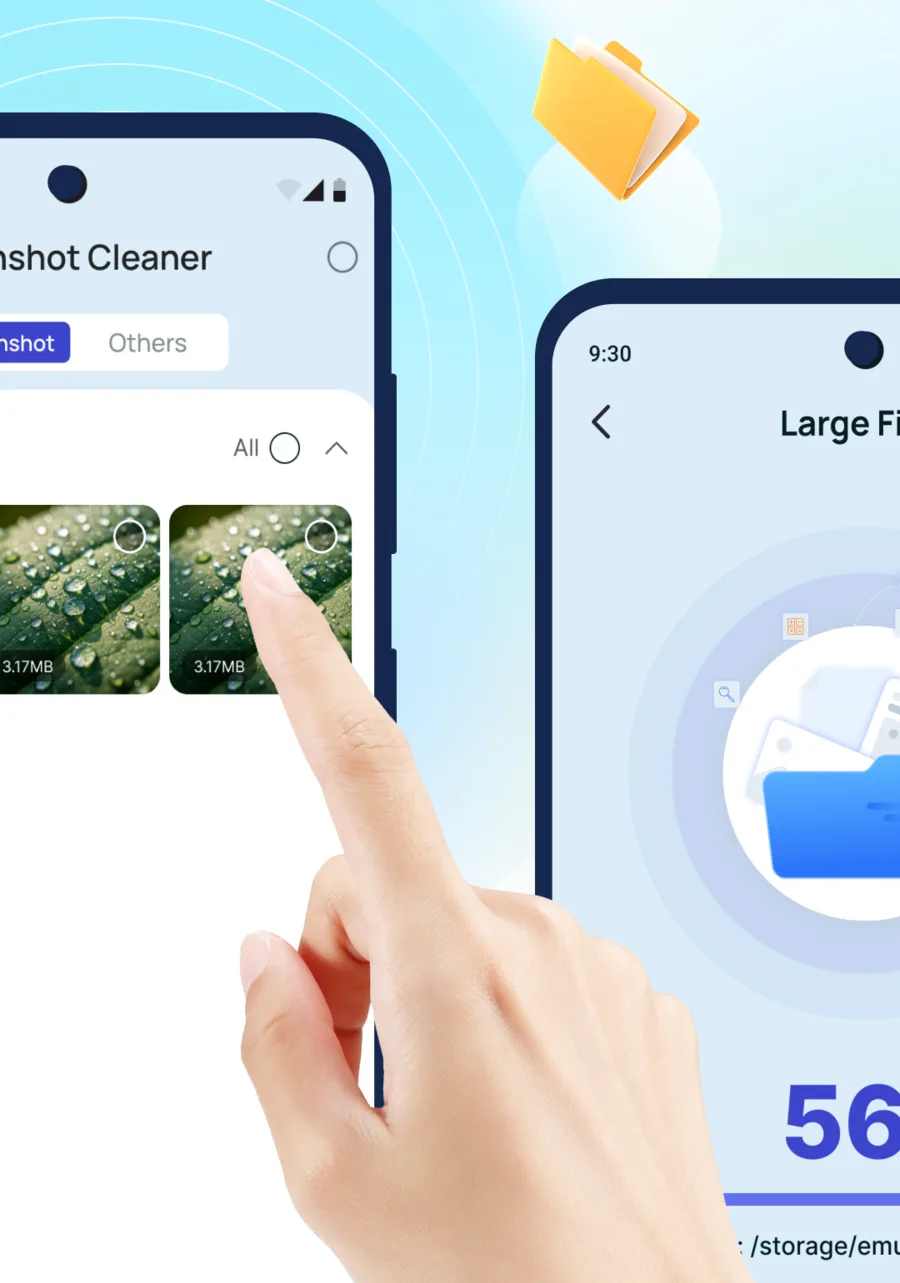
Large Files groups videos, photos, audio and APKs by size. Screenshot Cleaner collects every screenshot in one grid. You pick what goes.
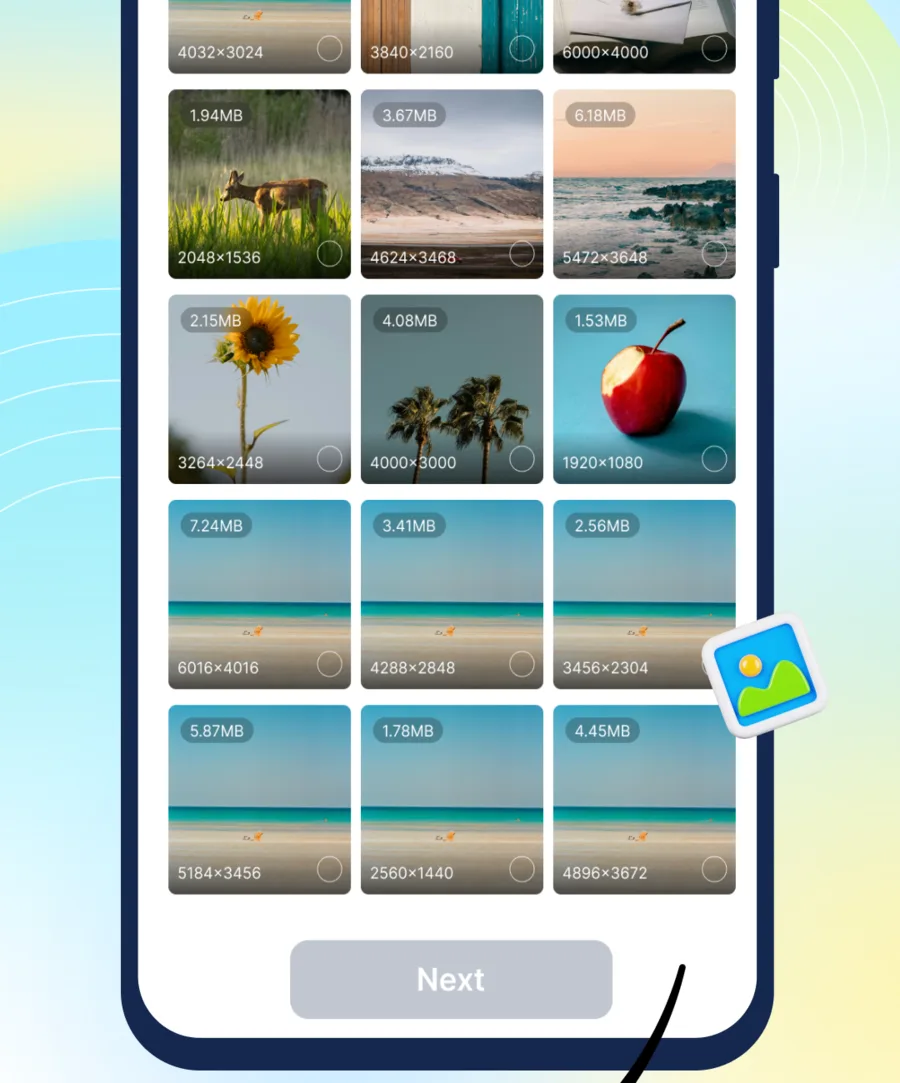
Photo Manager shows each picture with its file size and resolution. Compress the heavy ones into a copy, or find look-alikes and keep only the best shot.
Beyond storage
Sound coming out muffled? Play a cleaning tone in quick, deep or intensive mode, right from the app.
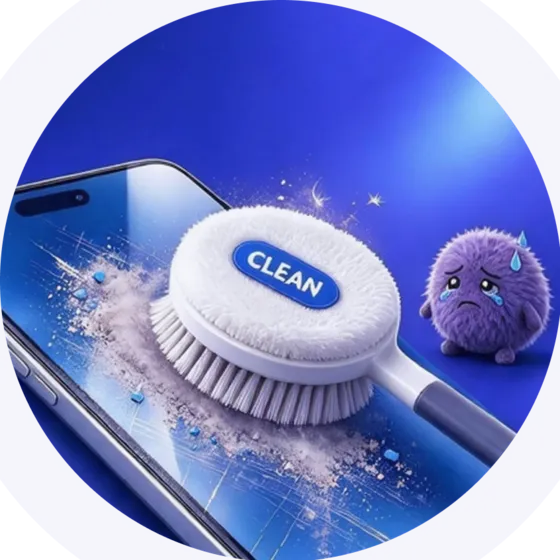

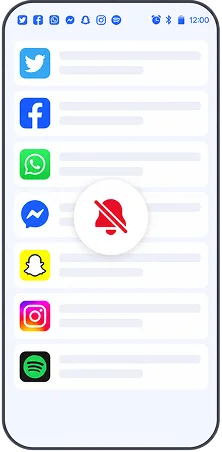
Switch on the noisy apps. Their new notifications get dismissed. Calls and alarms still come through.
Battery health, temperature and voltage, plus CPU, memory and screen details.

Check download and upload speed before a call or a big download.
The toolbox
Scans for junk and leftover files, then waits for you to tick what to delete.

Videos, photos, audio and APKs above the size you choose.
Every screenshot in one grid, ready to clear in bulk.
App sizes and last-used dates, so unused apps stand out.
Install packages you no longer need after setup.

PDF, Word, Excel, PowerPoint and text files in one list.

Photos grouped by date, with size and resolution on each.
Groups look-alike shots so you can keep the best one.

Pick a quality level, then save a copy or replace the original.

Spots duplicate clips that take up the most room.

Browse every video on the phone and clear old ones.

Every audio file on the phone, in one list.

See which apps are using memory and stop the ones you do not need.

Temperature, voltage, health, type and estimated time left.

Model, Android version, memory, storage, CPU and screen.

Measures download and upload speed on your current connection.

Dismisses new notifications from the apps you switch on.

Plays cleaning tones in quick, deep or intensive mode.
How it works
Choose a tool and start a scan. Scans show their progress as they run, and you can cancel part way.
Results are grouped by type, size or date. Check each item and keep anything you want.
The delete button shows the item count and size. When the job is done you see how much space came back.
Privacy
Cleaning happens on the device. ClearMeadow asks only for the access each tool needs, and this list explains what each one is for.
Read the privacy policy (opens in a new tab)Lets Large Files, Doc Manager and the media scanners read shared storage. Android 10 and earlier ask for storage access instead.
Optional. Adds last-used dates to App Manager so unused apps stand out.
Only for Notification Blocker, which dismisses notifications from the apps you pick.
FAQ
No. Every scanner shows its results first. Files are only removed after you select them and tap the delete button.
You choose. Save Copy keeps the original next to a smaller copy. Replace Original swaps it out. Motion photos become still images in the compressed version, and the app warns you before it starts.
No. It only dismisses new clearable notifications from apps you switch on. Ongoing tasks, calls, alarms and important alerts are left alone.
It adds up the size of files deleted through the app since you installed it. It is not a reading of free storage or RAM.
Android 7.0 and newer. The app is available in English, Chinese, German, Spanish, French, Hindi, Italian, Japanese, Korean and Portuguese.
No. This page is static and only shows screenshots of the app. Scanning and cleaning happen inside the ClearMeadow app on your phone.

ClearMeadow is free to download on Google Play for Android 7.0 and newer.